Home / Products / MFGMAX Heavy Metals
Job costing and heat traceability for metal fabricators
Heavy metals work loses margin in the heat, the remnant, and the scrap that nobody counted before the job was invoiced. The certificate is in a file. The work order is on the floor. The cost is in a spreadsheet that still has the theoretical drop.
MFGMAX Heavy Metals ties grade, heat, lot, and the mill certificate to the metal that was received. A remnant that can fill the next job is distinct from metal that is already promised. Cutting, forming, finish, labor, and outside processing stay on the work order.
Good parts and scrap are counted before the job is invoiced, and the next job is priced from that result. Accounting can stay in QuickBooks. This does not replace a required material test, a weld procedure, or an environmental permit.
What stays on one record
- Tie grade, heat, lot, and the mill certificate to the metal that was received
- Tell a remnant that can fill the next job from metal that is already promised
- Follow cutting, forming, finish, labor, and outside processing on the work order
- Count good parts and scrap before the job is invoiced, and price the next job from that result
How a job runs in MFGMAX
1. Receive the heat with the certificate
Grade, heat, lot, and the mill certificate are tied to the metal that was received, so the job is not waiting on a certified lot nobody can find.
2. Separate free remnants from promised metal
A remnant that can fill the next job is not the same as metal already promised to an open work order.
3. Run the work order
Cutting, forming, finish, labor, and outside processing stay on the work order while the job is open.
4. Count good parts and scrap first
Good parts and scrap are counted before the job is invoiced. Scrap above the estimate is visible before the price is history.
5. Price the next release from this result
The next job uses the scrap and the hours this heat actually took, and the shipment can name the heats or lots that were used.
A normal week
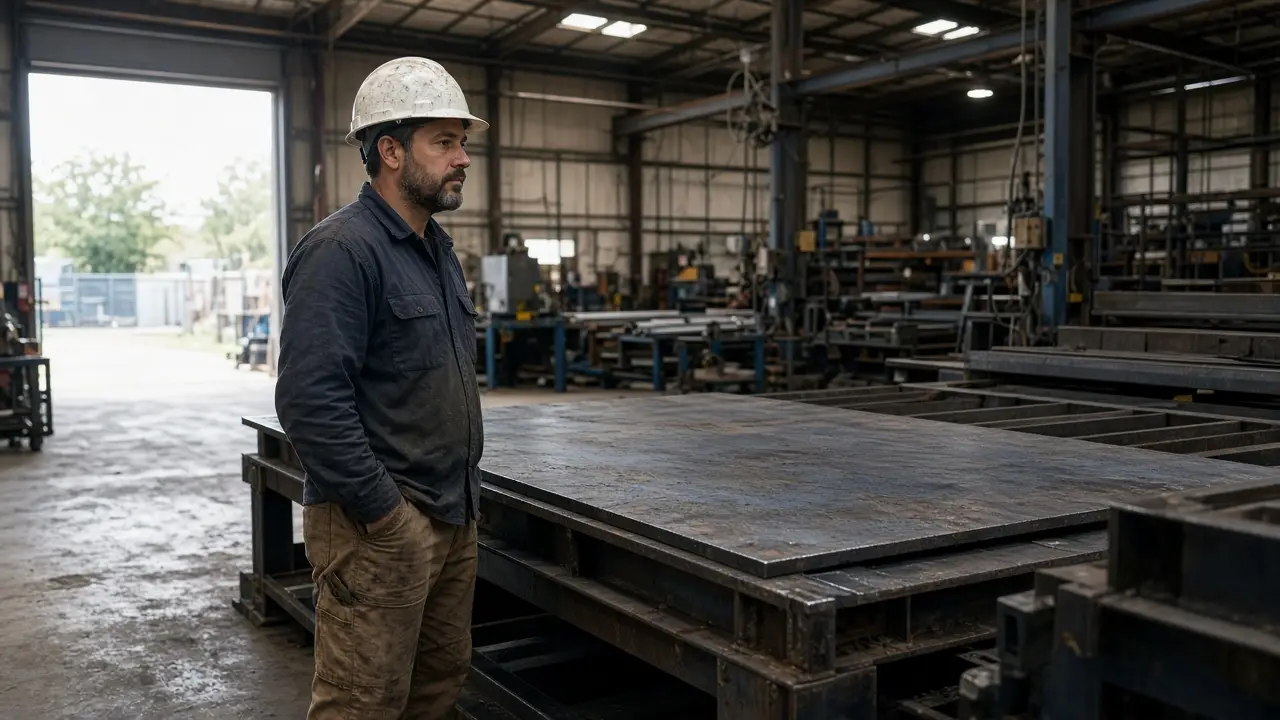
A job is waiting on a certified lot. The metal is in the rack. The certificate is in email. The floor starts with a different heat because the schedule says the job is late.
A remnant looks available. It was already promised to another release. Both jobs are planned on the same pounds.
Scrap is weighed after the job ships. The estimate used a drop from a different thickness. The invoice already went out.
MFGMAX keeps the heat, the certificate, the work order, the scrap, and the job cost together so the margin is known before the job ships.
Who it is for
- Steel and metal service centers
- Plate, structural, and heavy fabricators
- Machine shops running heavy stock
- Foundries and cast shops
- Mills and processors
- Job shops that must trace heat and lot
Questions owners ask
- Which jobs are waiting on a certified lot?
- Where is actual scrap above the estimate?
- Which heats or lots were used on this shipment?
- What remnants are still available for the next release?
The copilot answers from your own records. How the AI copilot works.
Integrations
MFGMAX holds the batch or job, the lots or materials, and the actual cost. Accounting can stay in QuickBooks, or in another system you already close. Inventory, quality, shipping, payroll, and other plant software can connect the same way. What moves, and when, is shown before you commit. Your accountant still closes the books.
See the systems that can connect
Questions
What stays on one job in MFGMAX Heavy Metals?
The heat, the certificate, the work order, the scrap, and the job cost stay together. On that same record: Tie grade, heat, lot, and the mill certificate to the metal that was received Tell a remnant that can fill the next job from metal that is already promised Follow cutting, forming, finish, labor, and outside processing on the work order Count good parts and scrap before the job is invoiced, and price the next job from that result The point is that sales, the floor, and finance are not each keeping a private copy.
When does the cost become visible?
The cost is on the open job, not in a report after the shipment or the invoice. Count good parts and scrap before the job is invoiced, and price the next job from that result If the number shows up only at close, the price and the schedule have already moved on.
Do we have to leave QuickBooks?
MFGMAX holds the batch or job, the lots or materials, and the actual cost. Accounting can stay in QuickBooks, or in another system you already close. Inventory, quality, shipping, payroll, and other plant software can connect the same way. What moves, and when, is shown before you commit. Your accountant still closes the books.
What can the AI copilot answer?
The copilot answers from the records already in MFGMAX, not from a general guess. Owners ask things like: Which jobs are waiting on a certified lot? Where is actual scrap above the estimate? Which heats or lots were used on this shipment? What remnants are still available for the next release? If the record was never written, the copilot cannot invent it.
What does MFGMAX not replace?
This does not replace a required material test, a weld procedure, or an environmental permit.
How does an evaluation start?
Bring one open job. We walk through it in MFGMAX and show what the record would look like. The start is one process, not every screen at once. QuickBooks stays. Integrations are shown before you commit.